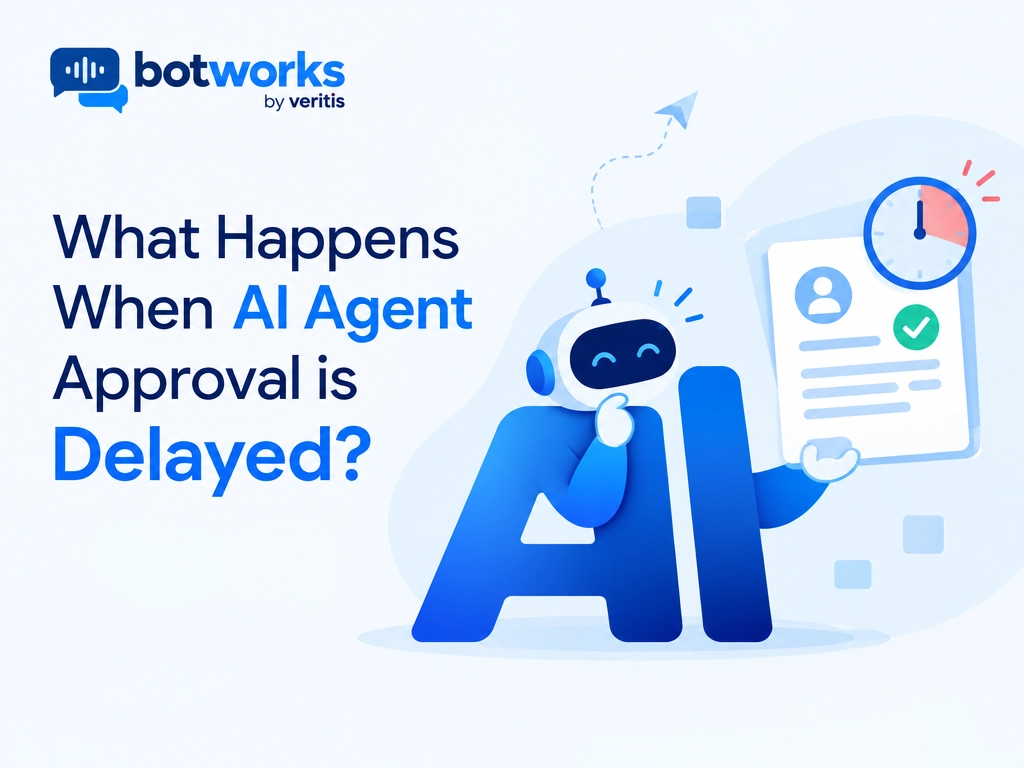
AI agent approval is a human decision that authorizes an agent to perform a protected action. When approval is delayed, that action should remain pending while the workflow preserves its state and waits for a valid decision, escalation, cancellation, or expiry.
A customer requests a refund, but the AI agent needs a supervisor’s approval. While that request waits, the customer may contact another channel, the order status may change, or someone else may issue the refund.
When human approval is delayed, the protected action should remain pending, not silently proceed. Dependent work pauses, resolution takes longer, and the proposed action may become outdated. Whether the task eventually succeeds depends on how the workflow preserves state, handles deadlines, and validates approval before execution.
This guide explains what happens during the wait and how enterprise teams can protect customer outcomes without weakening operational control.
Automate with AI AgentsWhich Actions Need AI Agent Approval?
AI agent approval is a runtime control for a specific protected action, not general permission for an agent to operate. Approval requirements should reflect the action’s financial impact, sensitivity, reversibility, and applicable business rules.
For example, an enterprise might allow an agent to retrieve an order status automatically but require approval for a refund above a defined limit, a policy exception, or a sensitive account change. These are policy design examples, not universal requirements.
An AI agent governance framework should define which actions can execute automatically, which require review, and which are prohibited. Customer consent and internal approval are separate controls. A supervisor’s approval does not replace required customer authorization.
What Does Delayed Approval Do to an AI Workflow?
1) Resolution Slows, but Pending Does Not Mean Failed
Approval becomes part of the workflow’s critical path. Dependent steps cannot proceed, although genuinely independent work may continue if permitted.
A useful planning model is:
Total resolution time = agent and tool time + approval waiting and review + recovery time.
The following illustration uses assumed timings, not measured performance data.
For illustration, two minutes of automated work plus three sequential approvals taking ten minutes each produces a 32 minute workflow, excluding recovery. Halving the automated work saves only one minute.
According to LangGraph’s interrupt documentation, checkpointed execution can wait indefinitely until resumed. That preserves the possibility of completion, not a guarantee of meeting a customer deadline.
Distinguish these outcomes:
- Pending: A decision has not arrived.
- Approved: Execution is permitted, subject to current checks.
- Rejected: The protected action must not execute.
- Expired or escalated: The approval window closed, or responsibility moved.
- Failed: A technical problem prevented the intended workflow.
A rejection can be a successful safety outcome. An indefinitely pending refund can still be a service failure.
2) The Action, Context, or Authority Can Become Stale
Delayed approval creates three distinct risks:
- Changed action: The amount, recipient, tool parameters, or scope differs from what the reviewer saw.
- Changed context: The action is unchanged, but the order was canceled, or another refund already occurred.
- Changed authority: The reviewer’s permission or the customer’s authorization was revoked.
The OWASP Transaction Authorization Cheat Sheet supports binding authorization to transaction details and checking authorization at execution. Applied to agents, “approve this refund” must not become permission for a different amount or account.
Untrusted content or software defects can also redirect a pending operation. Approval attached only to a task description is insufficient. The record must connect the exact reviewed proposal, the decision, and the executed action.
How Do You Handle Delayed Human Approval Safely?
The approval lifecycle should connect the saved proposal to the reviewer’s decision, current execution checks, and the recorded outcome. The steps below cover that lifecycle, including what happens when the expected approval never arrives.
3) Preserve Work and Define the Timeout Path
Persist the pending request rather than relying on an open connection or memory alone. Store its identifier, customer context, proposed parameters, workflow version, reviewer assignment, deadline, and status.
Define reminders, backup reviewers, escalation, cancellation, and expiry before deployment. A timeout is not approval.
Platform behavior varies. Microsoft’s Durable Extension documentation demonstrates an application that escalates after 24 hours. AWS Step Functions rejects expired callback tokens. Neither behavior establishes that the underlying business conditions remain valid.
For customer service, provide an accurate acknowledgment and a reference for follow up. Across Chat and Voice, say that approval is pending, not that the refund or account change is complete. Preserve context when escalating to a human agent so the customer does not need to repeat the issue.
4) Revalidate Before Taking the Approved Action
When approval arrives, check:
- Does it reference this exact request and operation version?
- Is the reviewer authenticated and currently authorized?
- Are the amount, recipient, content, and scope unchanged?
- Are consent, policy requirements, and business preconditions still valid?
- Has the request expired, been canceled, or already been resolved?
Material changes require fresh approval with a clear explanation of what changed. Avoid prompting again for inconsequential differences, which can dilute reviewer attention.
Rechecking alone may leave a gap before execution. Use conditional updates, resource version checks, or appropriate locking so another change cannot invalidate the decision between validation and the actual system update.
5) Resume Without Duplicate or Unauthorized Effects
A saved approval does not guarantee a single execution. LangGraph notes that an interrupted node restarts when resumed, so earlier code can run again.
The OpenAI Agents SDK documentation also describes a crash window: an external action succeeds, but its result is not saved before recovery. Replaying the saved state can repeat the action.
Protect execution with:
- Atomic consumption of pending decisions so concurrent callbacks cannot both succeed.
- Destination enforced idempotency, using a unique operation identifier to prevent duplicate refunds or updates.
- Reconciliation with the authoritative system when an outcome is uncertain.
- Controls that stop dependent branches and reject late approvals after cancellation or expiry.
Test restarts, duplicate callbacks, conflicting decisions, changed permissions, and crashes after external writes. Measure approval wait at the median and 95th percentile, pending request age, completion within deadlines, reviewer corrections, and resume failures separately.
How Can Teams Reduce Approval Delays Without Weakening Control?
Reduce unnecessary waiting by improving routing and review quality, not by allowing protected actions to bypass approval.
- Assign ownership: Give each approval queue a responsible team, an available backup, and a response target appropriate to the customer deadline.
- Provide decision context: Show the exact proposed action, policy basis, relevant evidence, expected effect, and expiry time in one review package.
- Separate queue time from review time: A request waiting for assignment needs a different intervention from one requiring complex judgment.
- Review recurring exceptions: Frequent approvals for the same scenario may indicate unclear policy or an integration problem. Change automation rules only through an authorized governance process.
Connect these measures to customer service value and ROI. Faster approval is useful only when it improves correct resolution without increasing unauthorized actions, duplicate effects, or customer complaints.
Conclusion: Make Approval a Control
The goal is safe, correct resolution within the required time, not simply faster approval or more checkpoints.
BotWorks is an enterprise AI customer service platform for Chat and Voice, centered on customer resolution, approved actions, and operational control. Evaluate approval workflows against those outcomes: understand the customer, take the right action, resolve the issue, and measure the result.
Book a consultation with Veritis to assess your current environment and define a clear path toward reliable, governed AI workflows.
Get Started with AIFAQ’s on AI Agent Approval
Does delayed AI agent approval mean the workflow has failed?
No. Pending approval means the protected action is waiting for a decision, not that a technical failure has occurred. However, a workflow that remains pending beyond a customer deadline can still fail to deliver the required service outcome.
Can an AI agent continue working while approval is pending?
Genuinely independent work may continue if the workflow permits it. The protected action and any steps that depend on it must remain paused until valid approval and current execution checks allow them to proceed.
What should happen when an approval request times out?
The workflow should follow its predefined escalation, cancellation, or expiry path rather than treating silence as permission. Updates to customers should accurately describe the pending or expired request, not imply that the action was completed.
Is human approval enough to execute an AI agent’s action safely?
No. Before execution, the workflow must confirm that the approval matches the exact operation, the reviewer remains authorized, and the business conditions are still valid. Execution also needs duplicate protection and reconciliation when an external action’s outcome is uncertain.