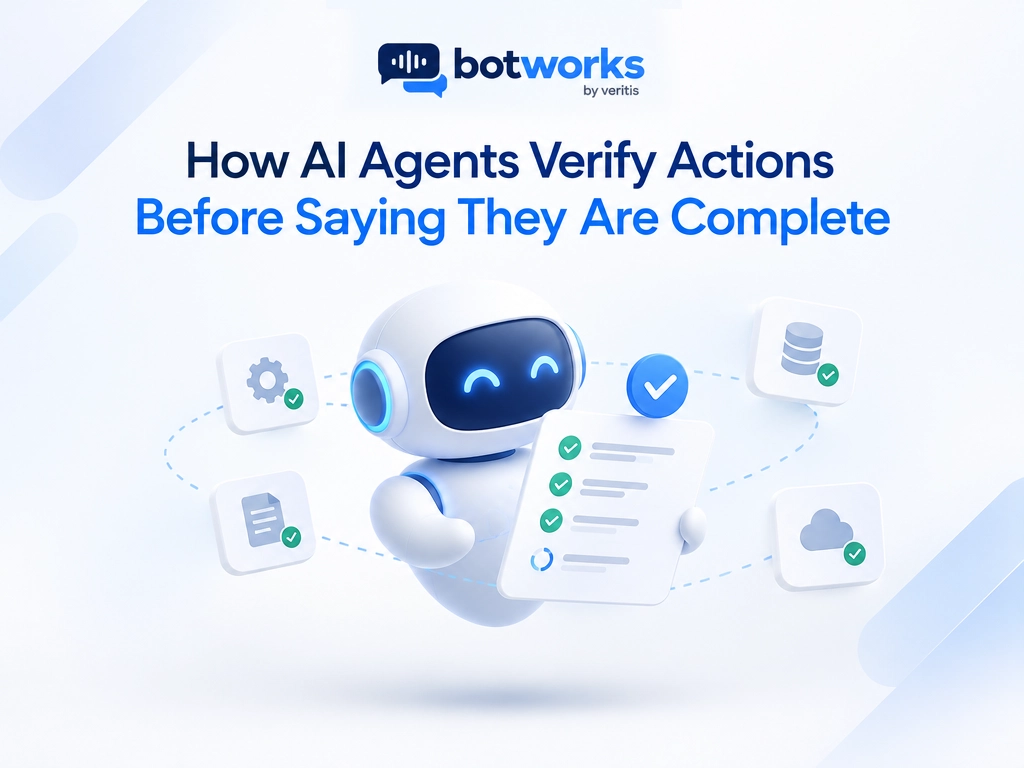
An AI agent should report success only when reliable evidence confirms that the customer’s requested outcome occurred. A tool call, acknowledgment, or approval alone does not prove completion.
For example, an appointment request may be received but still await confirmation. Clear verification helps prevent false promises, duplicate actions, and repeat customer contacts.
Discover Enterprise AI AgentsWhy Are Requested, Accepted, and Complete Different States?
An agent’s tool call expresses an instruction. It does not prove execution. Customer permission authorizes an action but does not prove completion either.
Keep These Stages Separate:
a) Requested: The agent has prepared or issued an instruction.
b) Accepted: The external service has acknowledged the request for processing.
c) Processing: Work continues without a final result.
d) Verified Complete: Evidence satisfies the defined success conditions.
e) Failed, Canceled, Partially Completed, or Unknown: The system cannot truthfully confirm the entire outcome.
According to Microsoft’s asynchronous request and reply guidance, HTTP 202 Accepted indicates acceptance rather than completion. Even an HTTP 200 OK from a status endpoint can describe an operation that remains pending.
A safe response is therefore specific: “Your appointment request was submitted. The clinic has not confirmed the time yet.”
How AI Agents Verify an Action
1) Confirm Intent and Authorization
Understand the requested change, verify identity where required, and check the agent’s permissions.
2) Record the Operation
Store the operation ID, requested values, and conditions that must be met for success.
3) Execute Through an Approved Integration
Use the connected system and interpret its response according to the integration’s documented behavior.
4) Check the Authoritative Result
For delayed actions, wait for a final status or retrieve the updated record. Compare its values with the customer’s request.
5) Gate the Response
Allow the agent to say “complete” only when the evidence meets the defined success conditions. Otherwise, report what is still pending or unresolved.
AI agent observability can help teams inspect execution and identify failures, but a trace of a tool call does not by itself prove the customer’s outcome.
How to Handle Timeouts, Failures, and Partial Completion
A timeout means the response was not received; the action may still have succeeded. Before retrying a purchase, booking, or account change, check the existing operation or record to avoid creating a duplicate.
If a request involves multiple steps, verify each outcome separately. For example, if a payment succeeds but a booking fails, report the partial result and follow an approved recovery process. If the status remains unclear, say so and escalate with the operation details.
Across Botworks Chat and Voice, customer updates should match the verified status:
- Processing: “Your request was received and is still processing.”
- Complete: “Your appointment is confirmed for Tuesday at 10 a.m.”
- Unresolved: “I couldn’t verify whether the change completed. I’ll check before submitting it again.”
- Partial: “Your new appointment is confirmed, but canceling the original requires assistance.”
Protect Customer Data and Set Clear Measures
Give agents access only to the information and actions needed for the task. Keep verification records protected, and route sensitive decisions or unresolved cases to authorized employees. In healthcare workflows, verify administrative actions without implying clinical approval.
Measure verified resolution, false completion claims, duplicate actions, repeat contacts, unresolved cases, and verification time. Test delayed updates, failed integrations, permission errors, and partial results before expanding automation. Pair these measures with AI agent resolution quality to assess whether customers received a correct outcome.
Make Completion Evidence Based
Reliable AI agents take approved actions, verify the result, and tell customers only what the evidence supports. Learn more about the Botworks AI customer service platform or book a consultation to discuss verified customer service workflows.
Conclusion
AI agents should report an action as complete only when trusted system evidence confirms the customer’s requested outcome. Clear verification rules help prevent false confirmations, duplicate actions, and unresolved cases.
Build Smarter with AI AgentsFAQ’s on AI Agents Verify Actions
Does a successful tool call prove an action is complete?
No. It proves only what the tool’s documented response confirms. The agent should report completion only when the evidence meets the defined success conditions.
Do AI agents always need to retrieve the updated record?
Not always. A documented result may be enough if it confirms the full outcome. Retrieve the record when the response is incomplete, or the workflow requires confirmation that the change was saved.
What should an AI agent do after a timeout?
Check the existing operation or record before retrying, since the action may have succeeded even though the response was lost. If the result remains unclear, explain the uncertainty and follow the escalation process.
How should an AI agent report partial completion?
State which steps are confirmed and which remain unresolved. Explain what happens next, and do not imply that the full request is complete.