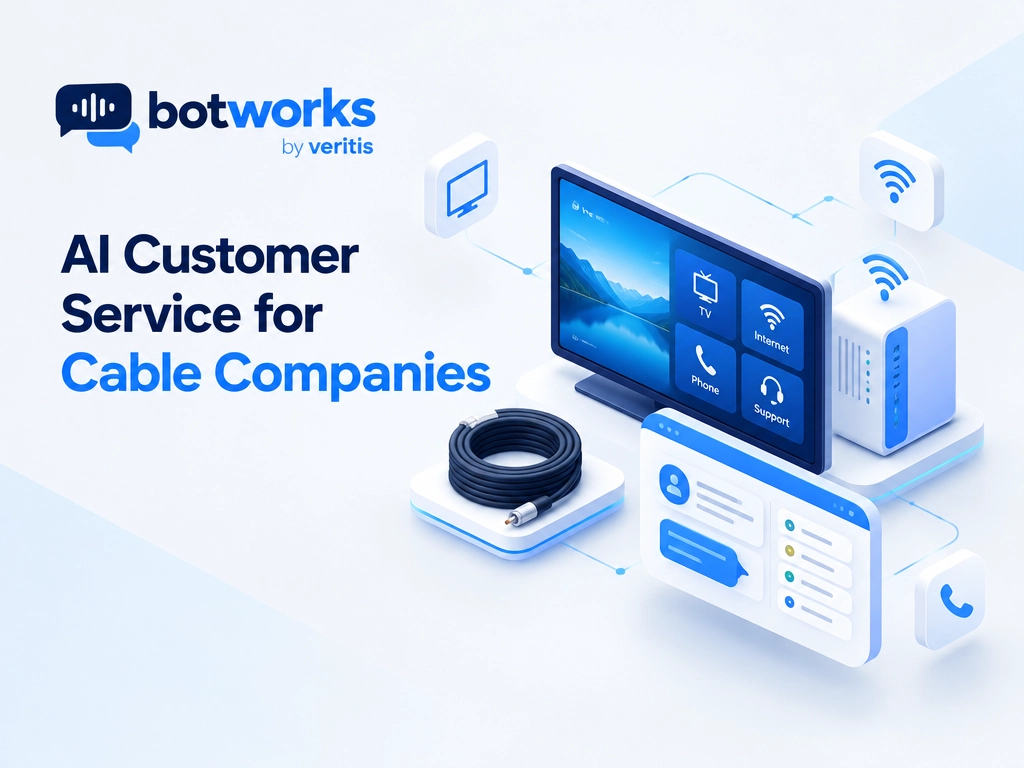
Cable company customer service with BotWorks helps cable providers handle billing questions, service troubleshooting, and account requests across Chat and Voice. It gives service and IT leaders a way to automate approved tasks while keeping sensitive decisions and exceptions under human control.
Resolve Cable Company Customer Service Needs Across Chat And Voice
BotWorks provides an enterprise AI customer service platform for organizations managing complex support demand. Your AI agents understand customer intent, use approved business knowledge, and execute permitted workflows rather than simply return answers.
For cable service operations, focus automation on recurring billing questions, service troubleshooting, and account requests. Keep sensitive decisions and exceptions with the people authorized to handle them.
The goal is resolution, not simply fewer transfers. Define a successful outcome for each journey, whether that means explaining a charge, completing an authorized account update, or connecting the customer to the right specialist with useful context.
Talk to Our AI ExpertsSupport the Requests That Drive Contact Volume
Use AI Chat Agents and AI Voice Agents to build consistent service experiences around your policies and connected systems.
- Billing Questions: Explain charges using approved information and route disputes that require review.
- Service Troubleshooting: Guide customers through approved diagnostic steps and escalate unresolved issues.
- Account Requests: Connect eligible requests to authorized workflows, with permissions defined before deployment.
- Human Assistance: Escalate when a request exceeds the agent’s authority or requires human judgment.
- Outage Inquiries: Where an approved service status connection is available, distinguish a known outage from an individual connection problem. Share restoration estimates only when an authorized source provides them.
- Appointments and Equipment: Scope workflows for checking technician appointments, requesting eligible scheduling changes, and explaining equipment activation or return instructions.
- Plan Changes and Cancellations: Explain approved options and requirements. Route requests involving retention decisions, exceptions, or restricted account changes to authorized staff.
Your team defines which requests AI can resolve, which actions require approval, and when a person takes over.
During an outage or billing cycle surge, prioritize accurate status information and clear next steps. Avoid sending customers through repeated troubleshooting when a confirmed service interruption already explains the problem.
Define the Rules Before Enabling Actions
Build your automation around operational control, not unrestricted access.
1) Choose the Scope
Identify priority customer needs, existing workflows, and the outcomes you want to measure.
2) Approve the Knowledge
Define the policies and service information agents can use, including how updates are managed.
3) Configure Connections and Permissions
Determine which enterprise systems agents can access and which actions they can perform.
4) Set Escalation Boundaries
Establish when conversations move to human agents, including sensitive requests and unresolved issues.
5) Measure Performance
Use platform analytics to evaluate customer conversations, resolution performance, and opportunities to improve.
Translate those decisions into practical deployment requirements:
- Verify identity before account access. Define authentication requirements for viewing customer information or making changes. Separate general service guidance from requests that require account verification.
- Limit access to necessary data. Specify which customer records and fields each workflow needs. Review data handling, retention, access controls, and applicable privacy obligations with your security and legal teams.
- Connect to authoritative systems. Identify the billing, customer management, outage, and scheduling systems needed for each approved journey. Confirm integration feasibility and define what happens when a connection is unavailable.
- Keep service knowledge current. Assign owners for pricing, promotional terms, equipment instructions, and service policies. Establish an approval process for updates before agents use them.
- Design a useful human handoff. Define how the receiving agent gets the customer’s intent, verification status, completed steps, and unresolved issue. Make escalation available when a customer requests a person or repeated attempts do not resolve the problem.
- Test before expanding. Validate accuracy, action permissions, failure handling, and escalation across Chat and Voice. For Voice, test different accents, background noise, and interruptions against your service requirements.
Start with a bounded set of requests. Expand only after reviewing resolution quality, customer feedback, and adherence to your business rules.
Built for service leaders and enterprise IT
Your CX and contact center leaders need shorter queues and less repetitive work. Your IT leaders need defined permissions, protected customer data, and control over how AI interacts with enterprise systems. BotWorks brings those requirements into the same service design.
For service leaders, prioritize journeys that create repeated contacts or long queues. For IT leaders, document system access, action permissions, knowledge ownership, and exception handling before deployment. Agree on shared acceptance criteria so faster responses do not come at the expense of accuracy or customer control.
For account access, outage updates, technician appointments, or billing disputes with your own cable provider, use that provider’s official support channels. BotWorks provides enterprise customer service technology rather than direct support for individual cable accounts.
Evaluate Evidence Against Your Own Goals
A published BotWorks case study reports an 80% reduction in customer wait times. That is a reported customer outcome, not a guarantee for your deployment.
Review BotWorks customer service case studies, then assess your opportunity against a baseline that includes wait time, resolution rate, escalation volume, and manual workload.
Use consistent definitions when comparing results:
- Wait time: Compare the same channels and reporting periods, including peak demand and outage conditions.
- Resolution rate: Define what counts as a resolved request and track repeat contact so an ended conversation is not mistaken for a completed outcome.
- Escalation volume: Separate appropriate human handoffs from transfers caused by missing knowledge, failed connections, or unclear permissions.
- Manual workload: Track repetitive tasks completed through approved automation and the work that remains with agents.
- Customer experience and cost: Review satisfaction, complaints, and cost per resolved request alongside speed and automation volume.
A successful deployment should improve service outcomes without weakening authentication, policy adherence, or access to human assistance.
Conclusion: Assess Your Customer Service Environment
Bring your priority support journeys, current systems, and governance requirements to a focused discussion. Identify where AI can resolve requests, where human judgment remains essential, and how you will measure success.
Include your highest volume contact reasons, current queue and resolution metrics, approved service content, and system integration requirements. Use that starting point to define a manageable initial scope and clear criteria for expansion.
Book a consultation with Veritis to assess your current environment and define a clear path forward with BotWorks.
Get Started with AI Agents