An AI agent tells a customer their refund is complete, but the payment system shows no refund. The response sounded right, yet the issue remains unresolved.
AI agent observability helps teams connect conversations, decisions, tool calls, and system results so they can investigate failures and verify customer outcomes. It supports monitoring and evaluation, while separate controls are needed to block unauthorized actions.
Improve AI Agent VisibilityWhat is AI Agent Observability?
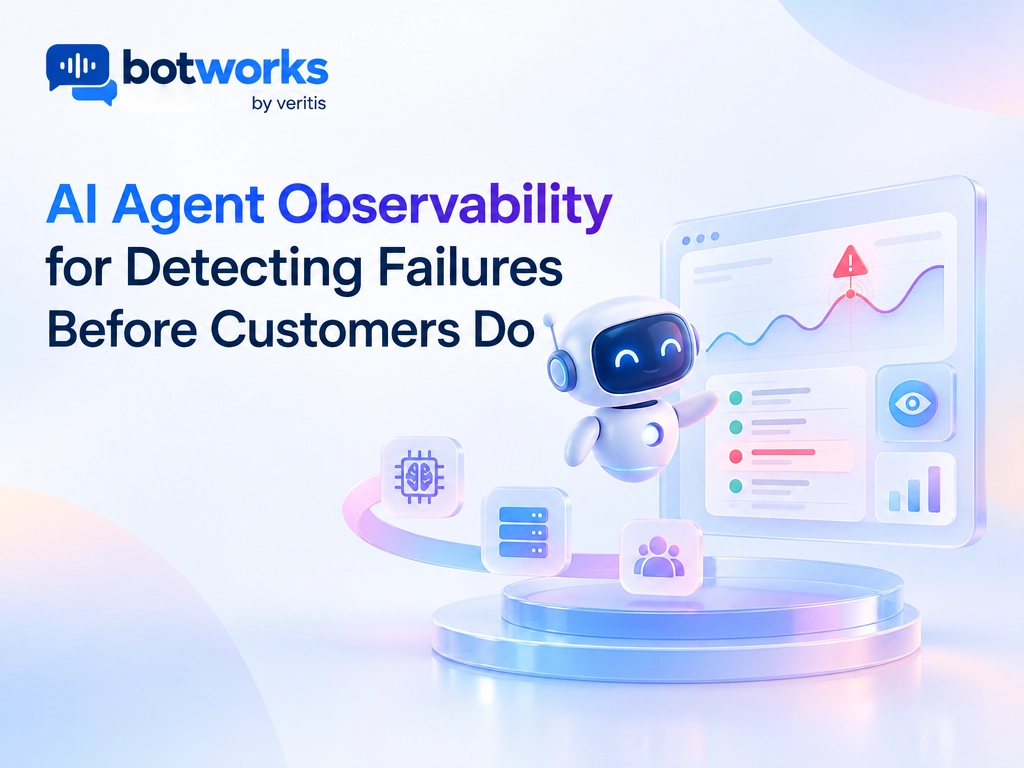
AI agent observability lets you review and troubleshoot an agent’s full workflow, from the customer’s request to the result in a business system.
It includes three related views:
| View | What it helps teams understand |
| Application monitoring | Whether services are available and responding |
| Model monitoring | What the model received and returned, including quality and cost |
| Agent observability | Whether the full workflow completed the customer’s authorized request |
A successful tool call does not prove that a customer’s task succeeded. For a refund, the team needs to verify the transaction in the payment system before treating the request as resolved.
What Should Teams Observe?
Focus on four areas:
- Decision evidence: The customer’s goal, relevant instructions, retrieved information, and selected action.
- Workflow execution: Tool calls, results, retries, approvals, and human handoffs.
- Verified outcomes: Whether the business system reflects the result promised to the customer.
- Performance and controls: Errors, delays, access decisions, sensitive data handling, and escalation quality.
For Voice workflows, include speech recognition and transfer events where available. This helps teams distinguish a misunderstood request from a system or workflow failure.
How Can Teams Detect Failures Earlier?
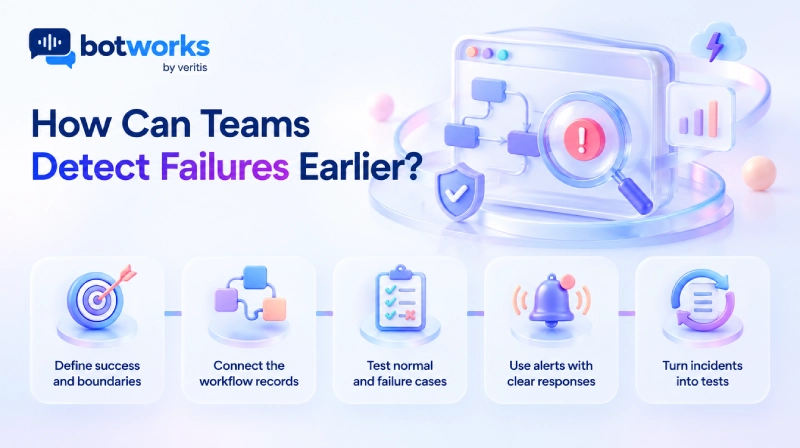
1) Define success and boundaries
For each workflow, specify the intended outcome, required permissions, approval rules, and conditions for escalation.
For a refund, define eligibility, approval requirements, and what system evidence confirms completion. The agent should not report success based only on an attempted action.
2) Connect the workflow records
Link the customer request, relevant policy, tool activity, and backend result with identifiers that let teams trace what happened. Collect only the information needed for investigation and apply access and retention controls.
Keep conversation records separate from system evidence. The agent’s statement that a refund succeeded is not proof that the payment system processed it.
3) Test normal and failure cases
Test common requests alongside ambiguous instructions, missing information, permission limits, system timeouts, duplicate actions, and customer requests for a person. Repeat tests after material changes to models, prompts, tools, or policies.
4) Use alerts with clear responses
Set alerts for failed actions, missing approvals, repeated tool calls, unsupported success claims, and unresolved requests. Each alert should have an owner and a defined response, such as verifying the system state or escalating the customer’s case.
Observability can reveal an unsafe action. Permissions, approval gates, scoped system access, and other runtime controls must block actions that should not proceed.
5) Turn incidents into tests
Investigate confirmed failures and add them to regression tests. Preserve the customer goal, available evidence, permissions, expected result, and failure condition. Review results by workflow and channel so that strong averages do not hide individual problems.
What Should Teams Measure?
Prioritize outcomes over trace volume. Define each measure and review period before launch.
| Measure | What it shows |
| Verified task success | Whether the customer’s requested outcome occurred |
| Unsupported success claims | Whether the agent reported completion without evidence |
| Repeat contact rate | Whether the issue remained unresolved |
| Tool and workflow failures | Where execution breaks down |
| Escalation quality | Whether the receiving employee has the context to continue |
| Cost per verified resolution | Whether efficiency gains remain after operating and human support costs |
Review speed alongside resolution. A quick response is not a quick resolution if the customer must return or an employee must repair the result.
How Do Teams Protect Customer Data?
Observability records can contain conversations, account details, retrieved documents, and tool data. Treat them as a separate data source with appropriate safeguards:
- Remove secrets and unnecessary personal information before exporting records.
- Restrict access by role and review access to sensitive records.
- Set retention, deletion, and encryption requirements for each telemetry system.
- Review what external evaluators receive before using customer content.
Use AI governance practices for customer service to define permissions, oversight, and data handling. Logging alone does not establish compliance.
How Should Teams Evaluate Observability Tools?
Ask providers to demonstrate how their tools connect an interaction to a verified business outcome.
Test tools with representative Chat and Voice workflows, including failed actions, exceptions, and requests for human assistance. A trace viewer alone does not prove that a customer service process is ready for production.
| Capability | What to verify |
| End to end tracing | Can the team connect the conversation, evidence, tool calls, and system result? |
| Outcome verification | Can it distinguish a successful tool response from a completed customer task? |
| Runtime controls | Can the system block actions, or does it only record and alert? |
| Privacy controls | Can teams restrict access, redact information, and manage retention? |
| Human handoff | Does the receiving employee get the evidence needed to continue? |
Build for Verified Resolution
Botworks is an enterprise AI customer service platform for Chat and Voice. Evaluate its workflows against a practical standard: understand the customer’s request, take only authorized actions, verify the outcome, and provide human support when needed.
Explore Botworks Chat and Botworks Voice, or contact Botworks to discuss your customer service requirements.
Talk to AI ExpertsFrequently Asked Questions
What is AI agent observability?
It is the ability to review and troubleshoot an agent’s full task execution, including the customer request, decision evidence, tool activity, and result in connected systems.
How is agent observability different from model monitoring?
Model monitoring focuses on model inputs, outputs, quality, and cost. Agent observability also examines permissions, tools, system changes, handoffs, and whether the agent completed the customer’s request.
Can observability prevent unsafe actions?
Observability can help teams detect and investigate risky behavior, but visibility alone does not block actions. Use independent permissions, approval checks, and runtime controls to prevent unauthorized execution.
Which metrics matter most?
Track verified task success, unsupported completion claims, repeat contacts, workflow failures, escalation quality, and cost per verified resolution. These measures show whether the agent resolves customer needs, not just handles conversations.